A change behind the scenes of WordPress security
WordPress has updated the way its security team handles reports submitted through its Vulnerability Disclosure Program. For most people who run a WordPress website, this does not require a new setting, a new plugin or any immediate action. It is still worth understanding because the program is one of the ways security problems are reported, assessed and eventually turned into fixes.
The WordPress Security Team announced the changes on 1 September 2026. It said the project is investing more effort in the security-release process, working through existing findings and expanding proactive vulnerability research and tooling. It is also refining which reports qualify so attention can be focused on problems with clear and meaningful security impact.
What is responsible disclosure?
Software as widely used as WordPress is examined constantly by developers and security researchers. Sometimes somebody discovers a weakness that could potentially be abused. Publishing every technical detail immediately is not always the safest response. If attackers understand a serious weakness before a fix is available, websites can be exposed unnecessarily.
Responsible disclosure gives researchers a private route to report the problem first. The security team can investigate it, understand how serious it is and prepare a correction. For an ordinary website owner, the important point is simple: there is an organised process behind many of the security updates that later appear in WordPress.
Why is WordPress changing the program?
The WordPress Security Team says the number of incoming security reports has increased substantially. In a separate announcement on 28 August, it connected part of that increase with new AI-assisted tools that make code analysis and vulnerability research easier.
More reports can be useful, but not every unusual software behaviour presents the same level of danger. Security teams have limited time. Investigating many low-impact findings can take attention away from vulnerabilities that could genuinely put websites at risk.
The September change is therefore largely about prioritisation. WordPress wants researchers to focus on vulnerabilities with clear security impact, especially serious issues that can be exploited without authentication or by users with very limited access.
Does this make WordPress less secure?
No. The announcement should not be read as WordPress deciding to ignore genuine security problems. The stated objective is to use security resources more effectively and improve the broader security-release process.
No major software platform can realistically promise that vulnerabilities will never be discovered. What matters is how effectively important problems are identified, corrected and delivered to users as updates. WordPress is also investing in proactive research and improved tooling instead of relying only on outside reports.
What about plugins and themes?
A typical WordPress website uses more than WordPress itself. It may contain a theme and many plugins created by different developers and companies. Each component has its own maintenance quality and update cycle.
That does not mean plugins are inherently unsafe. They are one of the main reasons WordPress is flexible. It does mean website owners should be selective. Keeping extensions that are genuinely needed and actively maintained is usually better than accumulating dozens of old plugins. If an extension is no longer used, removing it is generally preferable to leaving it deactivated and forgotten.
What should a normal website owner do?
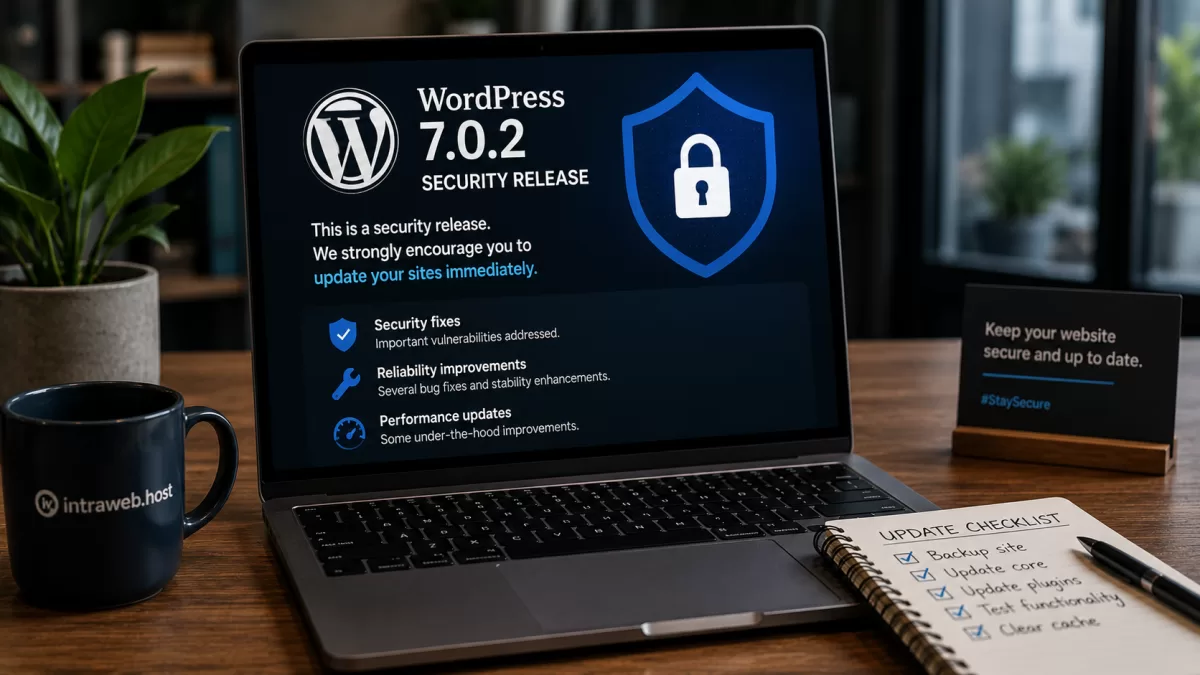
There is no special action required because of this announcement. Keep WordPress, plugins and themes reasonably current. Before important changes, make sure a usable backup exists. Avoid extensions from questionable sources, remove software you no longer need and use strong, unique passwords for administrator accounts.
For a business website, it is also important to know who is responsible for updates. Sometimes the owner assumes the developer is handling them while the developer assumes the customer or hosting provider is doing it. Security maintenance works better when that responsibility is explicit.
Security is mostly a process
Website security is often presented as something that can be solved by installing one plugin or buying one service. In reality, it is a continuing process: vulnerabilities are found, reports are assessed, fixes are developed, updates are distributed and site owners install them.
Most website owners will never interact with the Vulnerability Disclosure Program directly, and that is perfectly normal. Its value is in helping the people who maintain WordPress turn useful security information into real fixes. For website owners, the practical lesson remains straightforward: use maintained software, keep it updated, maintain reliable backups and do not ignore security updates when they arrive.